Here is a situation that happens more than you think.
A founder gets three quotes for their app design. One comes back at $8,000. Another at $35,000. The third at $72,000. Same brief. Three wildly different numbers. No explanation for the gap. So they pick the middle one, hope for the best, and find out six months later that the design needs a complete rework before launch.
That gap is not random. And that outcome is not bad luck. Both are completely predictable once you understand what actually drives app design cost.
App design cost ranges from $2,500 to over $100,000 depending on complexity, who builds it, and what the design needs to accomplish for your users. This guide breaks all of it down so you can walk into any design conversation with a clear head and a realistic budget.
TL;DR: App Design Cost at a Glance
| App Type | Design Cost Range | Timeline |
|---|---|---|
| Simple / MVP | $2,500 - $15,000 | 1 - 2 months |
| Medium Complexity | $15,000 - $40,000 | 2 - 4 months |
| Complex / Enterprise | $40,000 - $100,000+ | 4 - 8 months |
| White Label Design Partner | $8,000 - $30,000 | Flexible |
Hourly rates run from $35 to $200+ depending on your team's location and experience level.
How Much Does App Design Cost in 2026?
Mobile app design cost sits anywhere between $2,500 and $100,000 or more.
But that range only confuses people because it tries to describe too many different things at once. A basic MVP with five screens is not the same project as a multi-platform SaaS product with a full design system, custom animations, and three rounds of usability testing.
Three things explain most of the price gap:
- Complexity: More screens, more flows, and more custom interactions all add design hours directly.
- Who builds it: A freelancer on Upwork and a specialist product design agency are solving the same problem with very different resources, processes, and accountability.
- What the design needs to do: A design that just needs to look clean costs less than one that needs to reduce churn, increase trial conversions, or guide users through a complex workflow.
Keep those three in mind and everything else in this article will make sense quickly.
App Design Cost by Complexity
This is where most budgets get set and most budgets go wrong.
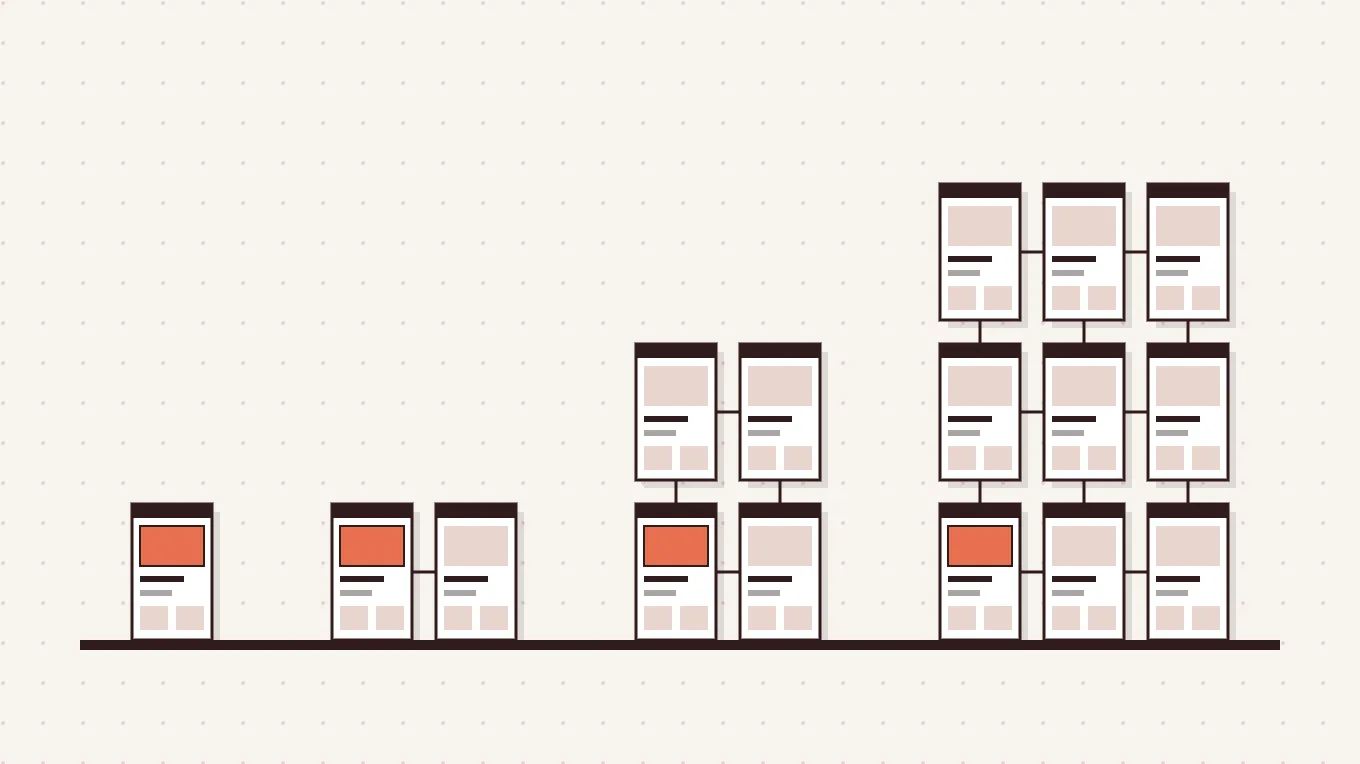
The cost to design an app scales directly with how much thinking the design requires. Not just how many screens, but how many decisions need to be made about user behavior, edge cases, error states, onboarding flows, and interaction patterns before a developer writes a single line of code.
| Complexity | Cost Range | Design Hours | What Is Included |
|---|---|---|---|
| Simple / MVP | $2,500 - $15,000 | 40 - 150 hrs | Core screens, basic UI, single platform, minimal flows |
| Medium | $15,000 - $40,000 | 150 - 350 hrs | Custom UI, multiple user flows, profile systems, moderate backend |
| Complex | $40,000 - $100,000 | 350 - 700 hrs | Custom animations, API-connected UI, multi-screen systems |
| Enterprise | $100,000+ | 700+ hrs | Full design systems, multi-platform, deep UX research |
A simple app design cost covers the essentials. Think a clean landing screen, a core action, and a handful of supporting views. This works well for early validation. You are not designing for scale yet, you are designing to learn.
Medium complexity app cost covers most SaaS products at the growth stage. You have user accounts, dashboards, settings flows, and enough screens that design decisions start affecting each other. This is where a lot of founders underestimate scope.
Complex and enterprise app design cost is for products where the design itself is a core part of the product value. Think fintech dashboards, healthcare platforms, or multi-sided SaaS tools where getting one flow wrong affects every other flow.
Here is what actually goes wrong. A founder scopes their project as simple. The designer starts working. Then come the requests: "Can we add a filter system?" "What about user roles?" "We need an onboarding checklist." Each one feels small. Together, they push a $10,000 project to $35,000. Scope creep is not the designer's fault. It is a planning problem. Define what you need before you ask for a quote.
App Design Cost by Who Builds It
The number on the invoice depends as much on who is doing the work as what the work actually is.
| Provider | Cost Range | Best For | Watch Out For |
|---|---|---|---|
| Freelancer | $2,500 - $15,000 | Tight budgets, small scope | No strategy layer, availability gaps |
| Boutique Agency | $15,000 - $50,000 | Growing teams, full-scope projects | Slower timelines, higher overhead |
| Large Agency | $50,000 - $150,000+ | Enterprise, complex platforms | Account management layers, junior execution |
| White Label Design Partner | $8,000 - $30,000 | SaaS and app teams needing scale | Finding the right invisible partner |
A freelance app designer cost starts low and feels attractive early on. But freelancers rarely bring strategy to the table. You get execution. What you bring to the brief is what you get back. For a clear, well-scoped task that is fine. For a product with real UX complexity it often costs more to fix later.
A large agency app design cost comes with a famous name and a polished pitch. Then your project gets handed to a team you never met. For enterprise projects with large budgets and long timelines, that overhead is justified. For a SaaS team trying to move fast, it usually is not.
The white label design partner model is worth understanding because most people have not heard of it. This is how Panze works. A white label partner sits inside your process invisibly. Your brand stays front and center. The design thinking, UX strategy, and execution happen behind the scenes. For SaaS teams and app companies that need specialist design capacity without building a full in-house team, this model gives you agency-level quality at a leaner cost and a much shorter ramp-up time.
App Design Cost by Platform
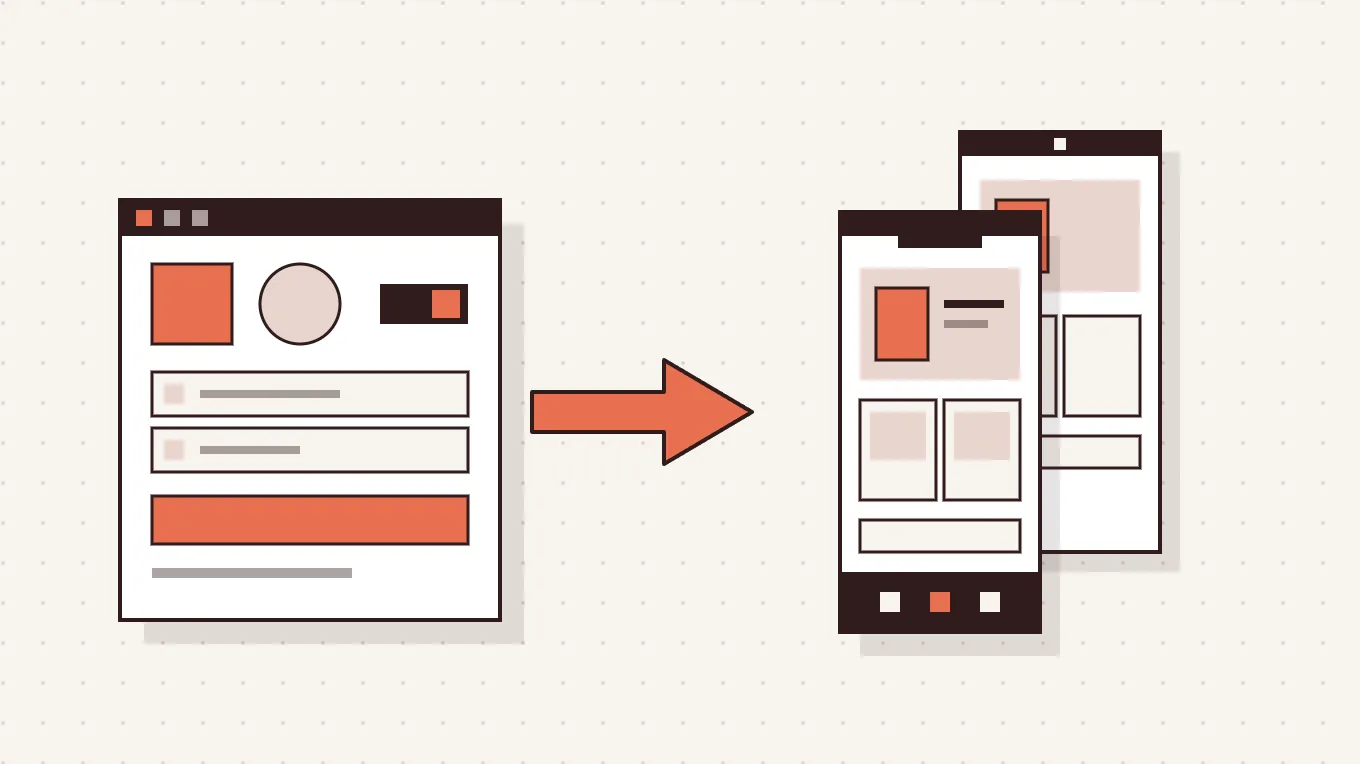
Platform choice affects app design cost more than most founders expect, and it affects it early.
| Platform Type | Design Cost Range | Notes |
|---|---|---|
| iOS Only (Native) | $8,000 - $40,000 | Best performance, Apple design guidelines |
| Android Only (Native) | $8,000 - $40,000 | Larger global user base, Material Design system |
| Cross-Platform (Flutter / React Native) | $10,000 - $50,000 | One design set, both platforms, 20-40% cost savings |
| Hybrid App Design | $12,000 - $60,000 | Web-based core, native shell, middle ground |
Native app design cost is higher because each platform has its own design language, component patterns, and interaction conventions. Designing for iOS and Android separately means two design systems, two sets of edge cases, and more testing.
Cross-platform app design cost saves you 20 to 40 percent compared to building two native designs. Tools like Flutter and React Native allow one design set to run on both platforms with minor adaptations. For most SaaS apps and early-stage products, cross-platform is the smarter starting point. You cover more ground for less budget and move faster.
The right answer depends on your users. If your audience is predominantly iPhone users in North America, native iOS makes sense. If you need global reach across device types from day one, cross-platform wins.
App Design Cost Breakdown by Stage
Most quotes bundle everything into one number. But understanding what each design stage costs separately helps you spot gaps in a proposal, negotiate more clearly, and understand where your budget is actually going.
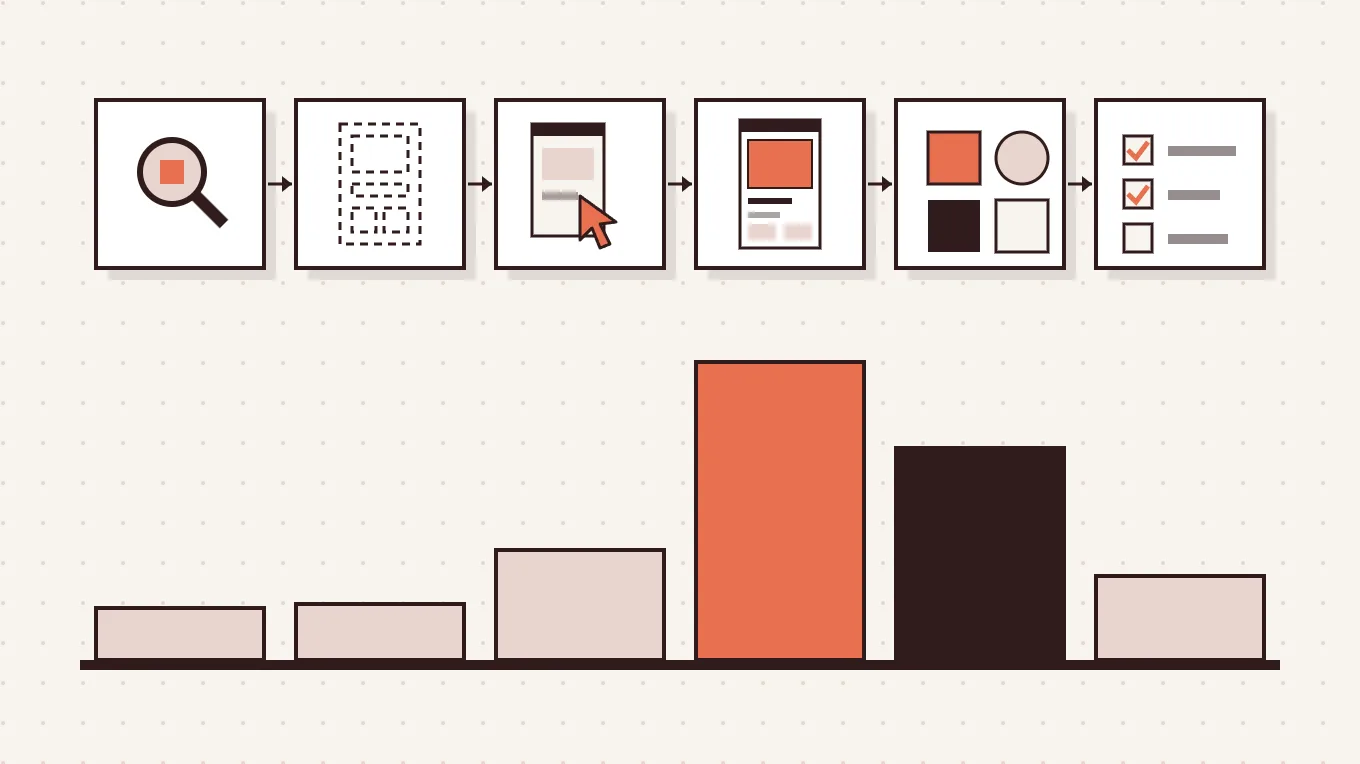
Here is how the design process breaks down in cost, stage by stage.
| Design Stage | What It Involves | Typical Cost |
|---|---|---|
| UX Research | User interviews, personas, competitor analysis, journey mapping | $1,000 - $5,000 |
| Wireframing (Low-Fidelity) | Basic screen structure, user flows, information architecture | $1,500 - $5,000 |
| Prototyping (High-Fidelity) | Clickable prototype, interaction design, flow validation | $3,000 - $10,000 |
| UI Design | Visual design, typography, color, component design | $5,000 - $30,000 |
| Design System | Reusable components, style guide, design tokens | $5,000 - $20,000 |
| Usability Testing | User testing rounds, feedback synthesis, design iteration | $2,000 - $8,000 |
Low-fidelity wireframe cost is the most underused budget item in early-stage projects. Wireframes are cheap to change. Code is not. Every hour spent validating structure in wireframes saves three to five hours of development fixes later. Skipping wireframes to save money is one of the most expensive decisions a product team can make.
High-fidelity prototyping cost covers the stage where your app starts feeling real. Stakeholders can click through it. Users can test it. Problems surface before they become development problems. This stage is where the app design cost per screen starts adding up, typically $200 to $800 per screen depending on complexity and interaction depth.
A design system is worth calling out separately because many SaaS teams skip it on the first build. Then they spend double building it later. If you plan to scale your product, budget for a design system from the start. It keeps every future screen consistent without starting from scratch each time.
App Design Hourly Rates by Region
Where your design team sits geographically has a real impact on what you pay per hour. Here is what current market rates look like in 2026.
| Region | Hourly Rate Range | What to Expect |
|---|---|---|
| North America (USA / Canada) | $80 - $200/hr | Strong product thinking, high accountability |
| Western Europe | $70 - $150/hr | High quality, strong UX tradition |
| Eastern Europe | $40 - $80/hr | Excellent quality-to-cost ratio |
| Latin America | $30 - $60/hr | Growing talent pool, good communication |
| Asia (India, Vietnam, Philippines) | $20 - $50/hr | Lowest cost, quality varies widely |
The hourly rate tells you the price. It does not tell you the value.
A $200/hr designer who gets your product thinking right in week one will cost less than a $30/hr designer who requires five rounds of revisions to produce something usable. The real question is not where the rate lands. It is whether the designer understands what your app needs to do for real users, not just what it needs to look like.
For most SaaS teams, Eastern Europe sits at the best quality-to-cost ratio right now. Western Europe and North America make sense when you need senior product design experience or cultural alignment with a specific market.
What Actually Drives App Design Cost
Two apps can have similar screen counts and wildly different design costs. Here is why.
- Number of screens and user flows: More screens mean more design decisions. But complex flows with many states cost more than simple screens. A login screen with password recovery, two-factor auth, and social logins is not one screen. It is closer to eight.
- UX research depth: Skipping research saves money upfront. It costs more in redesigns later when you discover users do not behave the way you assumed.
- Custom animations and micro-interactions: These are beautiful and effective. They are also time-intensive. Every custom animation adds design and development hours.
- Design system vs one-off design: A one-off design costs less now. A design system costs more now but saves significantly as the product grows.
- Revision rounds: Unlimited revisions is a warning sign, not a benefit. Unstructured revision cycles are where projects run over budget quietly.
- Platform count: One platform costs less. Two platforms with separate native designs can nearly double the UI/UX design cost.
- Timeline pressure: Rush jobs cost more. Always. Give designers space to think and you will get better work for the same budget.
The app design budget you set should reflect the complexity of your product, not just the number of screens you can count on your fingers.
The Hidden Cost of Bad App Design
Here is a story worth sitting with.
A SaaS team built their app on a tight budget. They hired a freelancer, skipped the UX research phase, and went straight to visual design. The screens looked clean. The colors were right. The onboarding flow made sense to the people who built the product.
It did not make sense to the people who used it.
Within the first week after launch, 40 percent of trial users dropped off before completing the onboarding flow. The team ran ads. They tweaked their pricing page. They rewrote their emails. Nothing moved the number. Six months later, they brought in a product designer to look at the UX properly. The problem was visible in ten minutes. The onboarding asked for too much information too early. The value of the product was not demonstrated before users were asked to commit. Three screens were in the wrong order.
The redesign cost $22,000. The original design had cost $6,500.
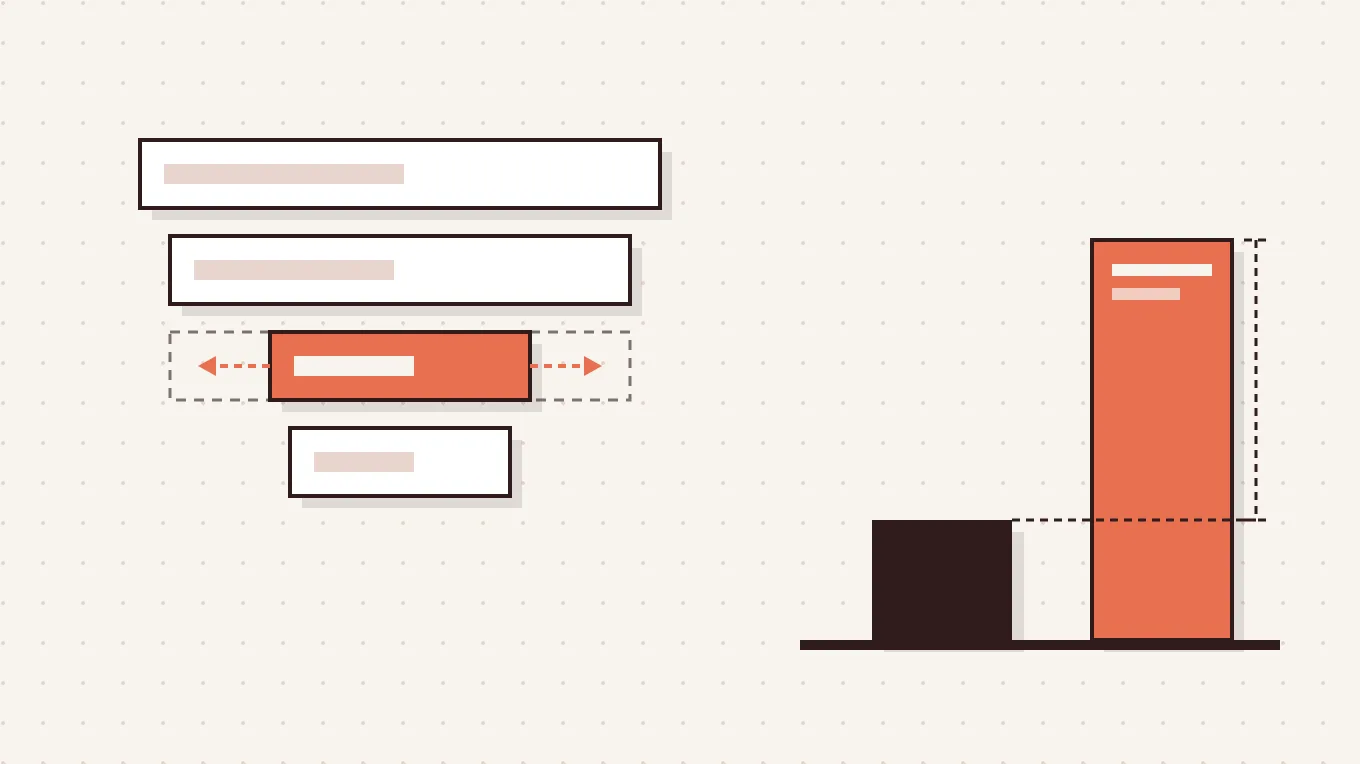
Bad app design is not an aesthetic problem. It is a revenue problem. Every confusing screen, every unclear next step, and every moment a user pauses and wonders what to do next costs you something. You just do not see it on an invoice.
This is the exact problem that Panze was built to solve. For SaaS teams and app companies, design is how your product earns trust before someone pays you a cent. Getting it right from the start costs less than fixing it after your users have already decided to leave.
How to Reduce App Design Cost Without Losing Quality
You do not need the biggest budget to get design that works. But you do need to spend the budget you have in the right places.
- Start with an MVP design scope. Design only what you need to validate your core idea. Resist adding features before the foundation is proven.
- Use wireframes before visual design. Low-fidelity wireframe cost is low. The cost of discovering a structural problem after UI design is complete is very high. Do it in the right order.
- Choose cross-platform over native when possible. If your audience uses both iOS and Android, cross-platform app design cost saves you 20 to 40 percent without sacrificing quality for most product types.
- Define scope tightly before your first call. Vague briefs produce vague quotes. A designer working from a clear scope gives you a more accurate number and wastes less time on both sides.
- Consider a white label design partner for scale. Agency overhead adds cost that does not always add value. A specialist partner working inside your process gives you senior design thinking without the layers.
Affordable app design is possible. But the goal is not the lowest number. The goal is the highest value for what you spend.
App Design Cost Is the Beginning, Not the Finish Line
Most people end their research here. They have the numbers, they have the ranges, and they go find someone to execute.
But here is what the numbers do not tell you. Two teams can spend the exact same app design budget and get completely different outcomes. One ships something users actually stay with. The other spends the next year patching what should have been right from the start.
The difference is almost never the budget. It is the thinking behind the design.
So before you send that brief to five agencies and pick the middle quote, ask yourself one question: does this team understand what my product needs to do for real users, or are they just going to make it look good?
If you are building a SaaS product or an app and you want honest design thinking from a team that stays invisible while your product takes the spotlight, that is exactly what Panze is built for.
No pitch decks. No account managers. Just clear product design work that moves your numbers.
FAQs
How much does it cost to design an app?
App design costs range from $2,500 for a basic MVP to over $100,000 for complex enterprise products. Pricing depends on complexity, screen count, user flows, and the choice of platform or provider. Most professional SaaS and mobile projects fall between $15,000 and $50,000.
How much does it cost to get an entire app designed?
Designing a mid-complexity app from research to UI typically costs $20,000-$80,000. This investment covers wireframing, prototyping, and usability testing. While cutting stages may save money upfront, it often leads to costlier reworks later.
How much does it cost to hire someone to design an app?
Freelance app design costs $2,500-$15,000 for small projects, while boutique agencies range from $15,000-$50,000. White label partners typically fall between $8,000 and $30,000. Selection should prioritize strategic design thinking over mere execution.
What is the app design cost per screen?
Design costs generally range from $200 to $800 per screen, influenced by complexity and logic. For a moderately complex 30-screen application, UI design typically totals between $15,000 and $25,000.
How much does a simple app design cost compared to a complex one?
Simple app or MVP designs cost $2,500-$15,000 (40-150 hours), while complex apps range from $40,000-$100,000 (350-700 hours). Costs are driven by the volume of required design decisions and user flows rather than just screen count.
How can I reduce my app design cost without hurting quality?
Minimize costs by starting with an MVP and validating core flows through low-fidelity wireframes before visual design. Opt for cross-platform development if suitable and define your scope strictly before seeking quotes. For senior-level strategy without agency overhead, consider a white label design partner.
What app design budget should I plan for in 2026?
For a professional SaaS or mobile app in 2026, expect a starting budget of $15,000 to $50,000, covering research, wireframing, UI design, and initial iterations. A design system adds $5,000 to $20,000, while ongoing post-launch support typically costs $2,000 to $8,000 monthly, depending on development speed.