There's a number in your head right now.
Maybe it's $3,000. Maybe $15,000. You got it from a quick Google search, a Reddit thread, or a friend who "had something built last year." It feels reasonable. So you're building your budget around it.
Here's the problem. That number is probably wrong. Not slightly wrong. Possibly wrong by a factor of three or five.
And the reason isn't that designers overcharge. It's that UI/UX design isn't one thing. It's a spectrum of work that ranges from "make these screens look nice" all the way to "understand our users deeply, map every flow, test every assumption, and build a design system that scales." Those two things share a name. They share almost nothing else.
This matters because the gap between what you budget and what good design actually costs is where products quietly fail. Not at launch. In the weeks after, when users can't figure out the onboarding, when trial conversions sit at half your projections, when someone on your team says "I think we need to redesign this."
So before you send a single brief to a single designer, read this. UI/UX design cost in 2026 ranges from $1,500 to over $150,000. This guide tells you exactly why, and exactly where your project fits.
What Is UI UX Design Cost?
UI UX design cost is the price you pay to plan and design how a digital product looks, feels and works, up to developer handoff. It covers UX work, such as research, user flows, wireframes and testing. It also covers UI work, such as visual design, components and prototypes.
Design is budgeted separately from development, so keep the two lines apart in your plan. With that clear, let's see what the price looks like in dollars.
How Much Does UI UX Design Cost?
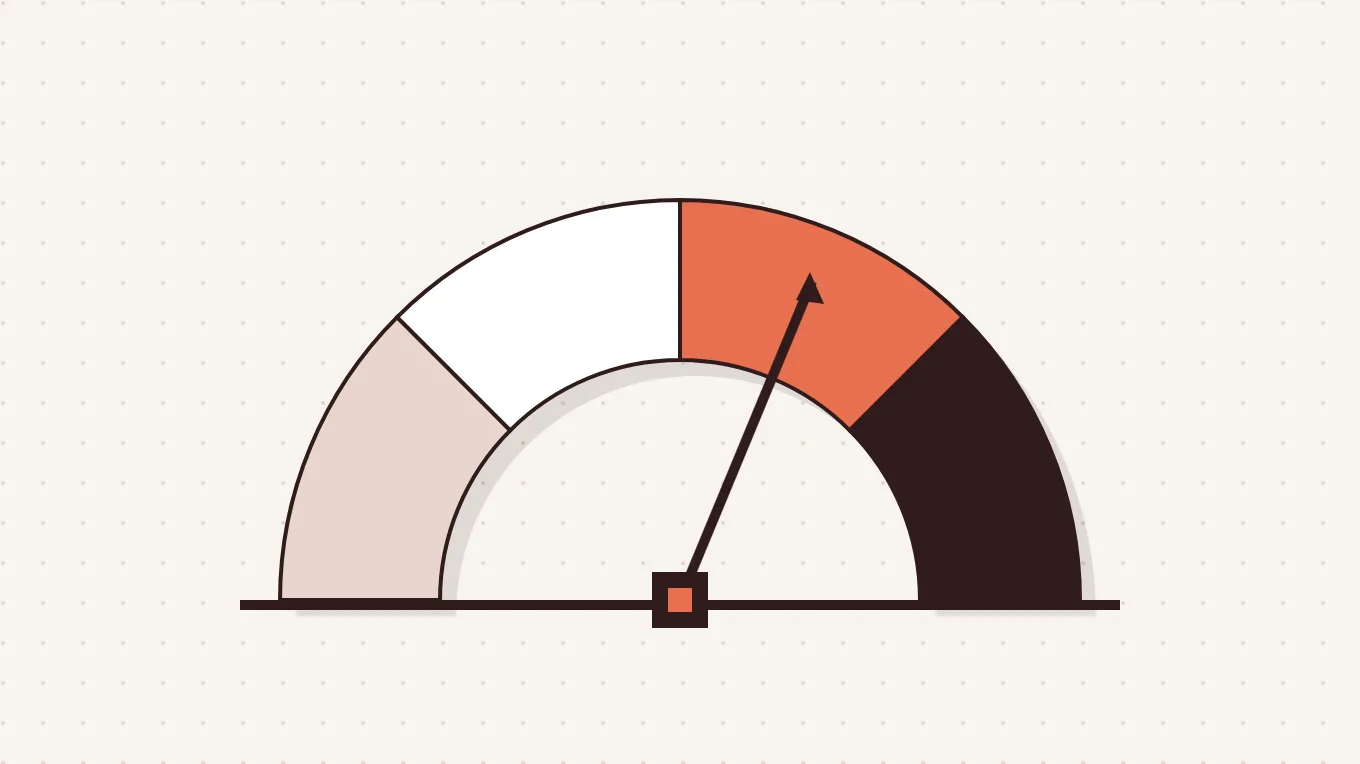
UI UX design costs $1,500 to $150,000 for a typical project, according to Tenet. Agency projects run from about $10,000 for a small MVP to $500,000+ for complex enterprise platforms, according to Dribbble. Marketplace gigs are much cheaper, around $150 to $717 per project on Fiverr. Keep in mind that those are marketplace gig prices, not full agency projects.
The average UI UX design cost by project complexity is shown below.
| Complexity level | What it includes | Cost range | Examples |
|---|---|---|---|
| Basic design | Few pages, simple layout, minimal logic | $1,500–$5,000 | Landing pages, brochure sites |
| Standard design | Clear user flows, some decision-making | $5,000–$15,000 | Small business sites, simple stores |
| Advanced design | Account areas, dashboards, layered features | $15,000–$40,000 | SaaS tools, marketplaces |
| Complex or enterprise | Multiple roles, heavy data, deep testing | $40,000–$100,000+ | Enterprise systems, fintech apps |
Complexity sets the range. So what nudges your quote up or down inside it? Let's find out.
What Factors Affect UI UX Design Cost?
The factors that affect UI UX design cost are scope, depth, talent, standards and timing. Bigger products need more screens and roles. Deeper research takes more hours. Senior talent, strict rules and tight schedules push the price higher still.
9 factors that affect UI UX design cost are given below.
- Project complexity and number of screens: Every screen needs layout, states and error handling, so a 100-screen SaaS product costs far more than a 15-screen marketing site.
- Number of features and user roles: More roles mean more scenarios to map, since an admin, a buyer and a supplier each need different screens.
- Depth of research and usability testing: Interviews, recruitment and testing rounds add hours, yet they catch problems before developers build the wrong thing.
- Designer experience and specialization: Senior specialists charge more than juniors, but they often solve problems faster and need fewer revision cycles.
- Team location: Rates follow local salaries and market demand, so a US agency usually costs more than a nearshore or offshore team.
- Platform compatibility: Web, iOS, Android and tablet versions each follow different platform guidelines, which multiplies the design effort and testing time.
- Level of customization and branding: Original illustrations, motion and custom logo and branding design need exploration rounds, while templates and ready-made kits move faster.
- Accessibility and compliance: WCAG standards and legal rules add design states, expert reviews and testing cycles, which lift the final price.
- Revision rounds and timeline: Extra feedback rounds and rush schedules add hours, and tight deadlines often carry a premium on the fee.
Once you know the drivers, a quote becomes easier to read. Next, let's see how designers price their time.
How Much Do UI UX Designers Charge Per Hour?
UI UX designers in the US charge $30 to $60 per hour at junior level, $60 to $100 at mid-level and $100 to $250 at senior level, according to Dribbble.
Experienced US UI UX agencies typically charge $100 to $250 per hour. Marketplace designers charge less. Fiverr lists $15 to $35 per hour at entry level, $40 to $75 at mid-level and $80 to $150 at senior level.
The average UI UX designer hourly rates by region are shown below.
| Region | Junior rate | Mid-level rate | Senior rate |
|---|---|---|---|
| United States | $30–$60 | $60–$100 | $100–$250 |
| Canada | $30–$60 | $60–$100 | $100–$150 |
| United Kingdom | $25–$50 | $50–$90 | $90–$150 |
| Western Europe | $20–$55 | $40–$90 | $70–$170 |
| Eastern Europe | $15–$40 | $40–$70 | $70–$120 |
| South Asia (India) | $15–$25 | $25–$50 | $50–$150 |
| Southeast Asia | $9–$30 | $18–$65 | $36–$90+ |
| Latin America | $6–$20 | $12–$40 | $24–$75 |
| Freelance marketplace | $15–$35 | $40–$75 | $80–$150 |
Regional rates come from Dribbble, and marketplace rates come from Fiverr. For a salary benchmark, the U.S. Bureau of Labor Statistics (BLS) reports a $104,000 median annual wage for web and digital interface designers (May 2025). Treat it as an employee salary, not a billing rate.
Hourly rates tell only part of the story. Most buyers hire a person or a team, so let's compare the options.
How Much Does It Cost to Hire a UI UX Designer?
The cost to hire a UI UX designer ranges from about $150 for a marketplace gig to over $100,000 a year for an in-house hire. Each option trades price for depth. Gigs suit tiny tasks, and independent freelancers handle small, well-defined projects. A UI UX design agency brings a full team, while an in-house designer works only on your product.
The costs of 4 common UI UX hiring options are outlined below.
- Freelance marketplace designer: Gigs cost about $150 to $717 on Fiverr, and they suit small, well-defined tasks rather than full product design projects.
- Independent freelance UI UX designer: Charges $25 to $150 per hour, which suits small, well-defined projects that you can manage closely yourself.
- UI UX design agency: Charges $80 to $200 per hour, or $15,000 to $150,000 per project, and includes a UX researcher, UI designer and project manager.
- In-house UI UX designer: Costs a $104,000 median salary before benefits, recruiting and tools, but gives you steady, product-focused work all year.
UI UX design costs by hiring option are shown below.
| Hiring option | Hourly rate | Typical project cost | Best for |
|---|---|---|---|
| Marketplace designer | $15–$150 by level | $150–$717 per gig | Small, well-defined tasks |
| Independent freelancer | $25–$150 | Set by hours or scope | Small, clear projects |
| UI UX design agency | $80–$200 | $15,000–$150,000 | Complex, multi-role products |
| In-house designer | Salary-based | $104,000 median per year | Continuous product work |
Hiring costs make more sense once you know what you are building. So let's price the projects.
How Much Does UI UX Design Cost by Project Type?
UI UX design cost by project type ranges from about $1,500 for a landing page to $500,000+ for an enterprise platform. Simple pages need few screens and little logic. Apps, dashboards and enterprise systems need more flows, roles and states. Every extra layer adds hours. Design systems, redesigns and MVPs get their own sections below.
UI UX design costs for 6 common project types are given below.
- Landing page: Costs $1,500 to $5,000 with an agency, since a handful of sections and one main call to action need very little logic.
- Website UI UX design: Costs $10,000 to $40,000 for 5 to 15 pages or dashboards, with a typical timeline of 4 to 8 weeks.
- Mobile app UI UX design: Costs $25,000 to $60,000 for 15 to 30 high-fidelity screens, because mobile app design must follow platform guidelines and handle gestures.
- E-commerce UX design: Costs $20,000 to $60,000 for global or premium stores, where checkout flows, personalization and trust patterns drive most of the work.
- SaaS or web app interface: Costs $12,000 to $45,000 for a mid-sized product. Panze's Vezmo project shows the scope: a website, web app, admin portal and mobile app.
- Enterprise platform: Costs $150,000 to $500,000+ for multi-role systems. Panze's ALPE project covered an admin portal plus buyer, supplier and agent panels.
The average UI UX design cost by project type is shown below.
| Project type | Typical scope | Agency cost range | Marketplace cost range |
|---|---|---|---|
| Landing page | Few sections, one call to action | $1,500–$5,000 | $100–$300 |
| Website | 5–15 pages or dashboards | $10,000–$40,000 | $800–$2,500 (5–10 page redesign) |
| Mobile app | 15–30 high-fidelity screens | $25,000–$60,000 | $400–$1,200 (8–15 screens) |
| E-commerce | Catalog, cart, checkout | $20,000–$60,000 | $1,500–$4,000 (15–25 screens) |
| SaaS or web app | Dashboards, onboarding, roles | $12,000–$45,000 | $2,000–$6,000 (20+ views) |
| Enterprise platform | Multi-role, multi-platform systems | $150,000–$500,000+ | n/a |
Agency figures come from Dribbble, and marketplace figures come from Fiverr. Now you know what each product costs. But how will the designer bill it?
What Are the Pricing Models for UI UX Design?
The pricing models for UI UX design are hourly, fixed project, monthly retainer and value-based pricing. Each model shifts risk between you and the designer. Hourly billing suits small tasks, fixed prices suit clear scopes, retainers suit ongoing releases, and value-based deals tie the fee to expected results.
4 common UI UX design pricing models are outlined below.
- Hourly pricing: Costs $25 to $150 per hour and fits small, ongoing tasks with an evolving scope, though invoices grow whenever the tasks expand.
- Fixed project pricing: Costs $15,000 to $150,000 with an agency and fits a clear scope and timeline, since you know the total before work starts.
- Monthly retainer: Costs $10,000 to $30,000+ per month and fits ongoing feature releases, like an external design team waiting on standby.
- Value-based pricing: Costs $25,000 to $150,000+ and fits complex, ROI-driven projects, where the fee follows business impact instead of hours worked.
Hourly and value-based ranges come from Tenet, while fixed-project and retainer ranges come from Dribbble. Whichever model you pick, agree on the scope first, because vague scopes breed change orders. A price is only a number until you see where it goes, so let's follow the money.
How Is UI UX Design Cost Broken Down?
UI UX design cost is broken down into four phases: discovery, UX architecture, UI design and prototyping. Most serious agencies split the budget this way, and each phase cuts risk before development begins.
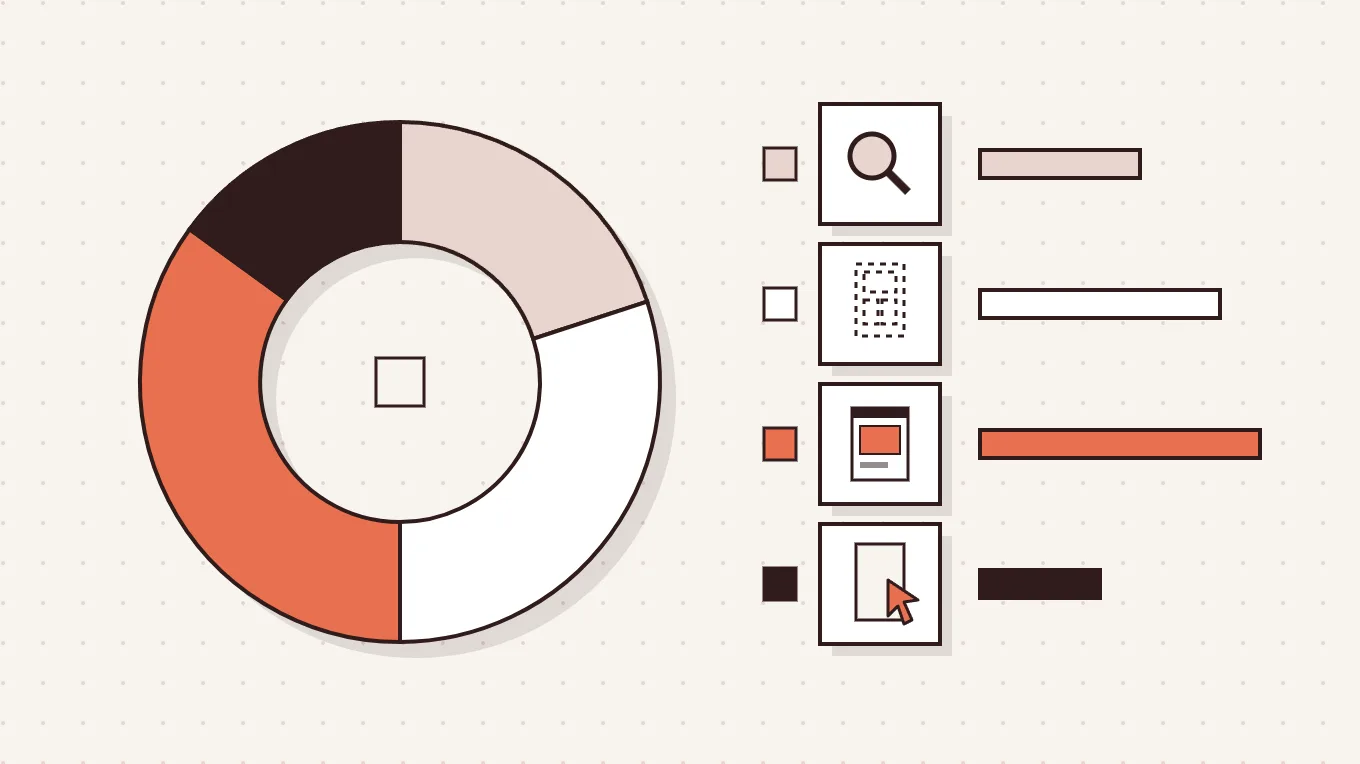
4 phases of a UI UX design budget are given below.
- Discovery and strategy (15% to 20%): Stakeholder workshops, user interviews and competitor analysis define the business goals before anyone draws a single screen.
- UX architecture (25% to 30%): Designers map user flows and build wireframes, then test the logic before any visual styling arrives.
- UI and visual design (30% to 35%): High-fidelity screens, brand application and design system creation give the product its look and its consistency.
- Prototyping and handoff (10% to 15%): Clickable prototypes and developer-ready specs help engineers build exactly what the team approved, without guesswork.
Some quotes skip discovery to look cheaper. Removing it lowers the price, but it shifts the risk of structural mistakes to you. Fixing those mistakes after development starts costs far more. Phases show the planned spend. Sadly, the unplanned spend hides in the fine print.
What Are the Hidden Costs of UI UX Design?
The hidden costs of UI UX design are the licenses, tools, tests and changes that most quotes leave out. Quotes usually cover defined deliverables only. Assets, research tools, extra support, audits and later updates then show up as add-ons, so always ask what is excluded.
7 hidden UI UX design costs to plan for are given below.
- Font and asset licensing: Fonts, stock visuals and icon sets are often add-ons, and font licensing alone can run $500 to $2,000+ per year.
- User recruitment and testing tools: Paying participants and running remote usability studies adds costs that sit outside the design fee, especially for niche audiences.
- Extra revision rounds and scope changes: Most contracts include two rounds, so a third major cycle or late stakeholder feedback triggers billable change orders.
- Extra developer handoff support: Guidance beyond the included hours can reach $150 to $200 per hour when engineers keep asking questions after handoff.
- Accessibility audits: Audits and VPAT documentation add real cost, especially for enterprise or government contracts that require clear proof of compliance.
- Design tool subscriptions: Figma and similar tools cost $15 to $75 per user per month, and the total grows with every new team member.
- Post-launch updates and maintenance: System updates and real-world data can break layouts, so agencies often sell maintenance retainers to keep the design healthy.
Typical hidden UI UX design costs are shown below.
| Hidden cost | Typical price | When it applies |
|---|---|---|
| Assets (fonts, stock visuals, icons) | +$1,000–$3,000 | Quote excludes licenses |
| Research (recruitment and testing tools) | +$2,000–$5,000 | Niche audiences, remote studies |
| Extra developer guidance | +$3,000–$7,000 | Support beyond included hours |
| Accessibility certification | +$5,000–$15,000 | Enterprise or government contracts |
| Design tool subscriptions | $15–$75 per user per month | Every collaborating seat |
| Third major revision cycle | +15%–20% of fee | Beyond the usual two rounds |
| Post-launch maintenance | $2,000–$5,000 per month | Ongoing updates |
Figures come from Dribbble. Picture a founder who signs a quote, then meets font licenses, test fees and change orders she never planned for. Her "fixed" budget starts to wobble. Knowing the traps is half the battle, so let's build the plan that keeps you safe.
How to Budget for UI UX Design?
To budget for UI UX design, define your goal, choose your core flows and reserve a buffer for surprises. A smart budget starts with priorities, not features. Designing core flows first can cut the initial cost by 20% to 30%, according to Dribbble. Then estimate hours, match the model and protect the plan.
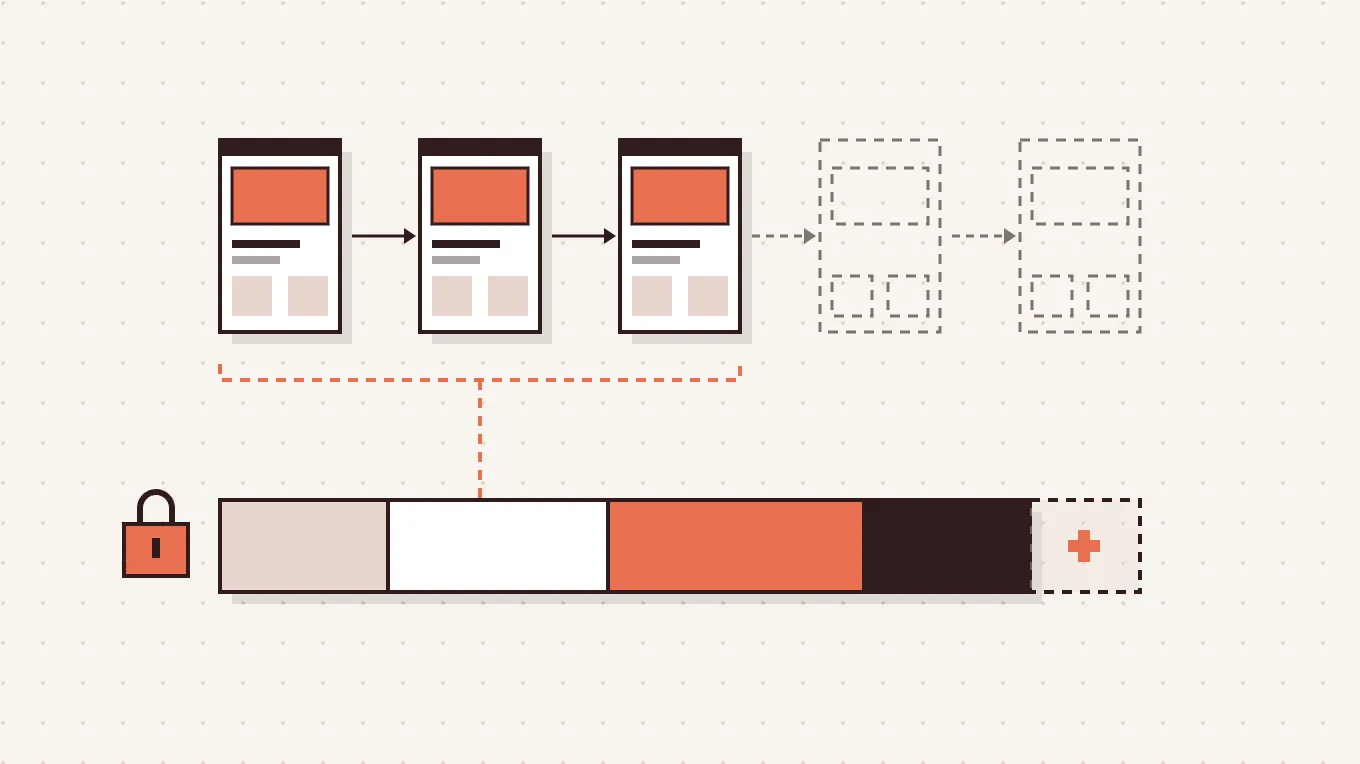
7 steps to budget for UI UX design are given below.
- Define the design objective. Decide whether the design must validate an idea, lift conversions, prepare for scale or meet compliance rules, because clear goals narrow the scope.
- Prioritize core user flows. Start with the main journey, revenue-critical actions and onboarding, then design secondary features in a later phase.
- Map epics, user stories and screen count. List every feature as an epic, break it into stories, then count the screens that each story needs.
- Estimate design hours and multiply by the hourly rate. Assign hours to each screen and phase, then multiply by the designer's rate for a working estimate.
- Match the engagement model to your scope. Use a fixed price for a clear scope, a retainer for ongoing releases and hourly billing for small fixes.
- Lock the scope before kickoff. Confirm screen count, user roles, platforms and compliance needs in writing, so late decisions never become surprise change orders.
- Reserve a 10% to 15% contingency buffer. Set money aside for extra revisions, small scope expansions and post-launch fixes, so a shift mid-project causes no panic.
A budget also shows what you should expect to receive. So what does a typical package include?
What Is Included in a UI UX Design Package?
A UI UX design package usually includes everything a developer needs to start building with confidence.
The deliverables usually included in a UI UX design package are given below.
- Discovery and competitor analysis: Research into your users, goals and market that guides every later decision.
- Wireframes: Low-fidelity layouts that set structure and flow before any styling begins.
- High-fidelity mockups: Polished screens that show colors, type, images and real content.
- Responsive layouts: Screen versions that adapt cleanly to phones, tablets and desktops.
- Style guide or UI kit: A shared set of colors, fonts and components for consistency.
- Interactive prototype: A clickable model you can test and demo before development starts.
- Revision rounds: Usually 2 to 3 rounds of changes based on your feedback.
- Developer handoff in Figma: Organized files and specs that engineers can build from.
Add-ons such as user research, design systems and usability testing can raise the package cost by 40% to 150%, according to Fiverr. Those add-ons deserve a closer look, starting with design systems.
What Are the Pros and Cons of Hiring a UI UX Design Agency?
Hiring a UI UX design agency gives you a full team and a proven process, but it costs more and often adds fees.
The pros and cons of hiring a UI UX design agency are given in the table below.
| Pros | Cons |
|---|---|
| Full team: A UX researcher, UI designer and project manager come included. | Higher rates: Agencies charge $80–$200 per hour, versus $25–$150 for freelancers. |
| Faster delivery on bigger scopes: Above $30,000, agencies often deliver faster with fewer revision cycles. | Overhead costs: Local agencies pass office and staff costs on to clients. |
| Structured phases: Discovery, UX architecture and handoff reduce risk before development. | Change orders: Late stakeholder feedback often triggers formal change orders. |
| Product strategy experience: US and Western European agencies often bring strong product strategy know-how. | Hidden add-ons: Licenses, research tools and extra handoff support are often left out of quotes. |
| Flexible engagement models: Choose a fixed project, a retainer or hourly work. | Limited revisions: Most contracts include 2 revision rounds, and more are billable. |
Weighing pros and cons leads to one big question: outsource or hire in-house?
Final Thoughts
UI UX design cost typically runs from $1,500 to $150,000, and hourly rates commonly run from $25 to $250. Complexity, screen count, research depth, seniority and compliance drive the price.
Discovery, UX, UI and handoff share the budget, while hidden costs can add thousands. Prioritize core flows, lock the scope and keep a 10% to 15% buffer.
Then choose a partner who explains every line of the quote. See real projects in Panze's product design portfolio. Then book a free 15-minute consultation and get a quote.
Frequently Asked Questions
Quick answers to common UI UX design pricing questions follow.
Can You Get a Fixed-Price Quote for UI UX Design?
Yes, you can get a fixed-price quote for UI UX design because a defined scope makes the work predictable. A binding quote usually follows a scoping session. Unscoped estimates can shift 30% to 50%, and paid discovery phases cost $1,500 to $5,000, according to Purrweb.
Do UI UX Designers Charge for Revisions?
Yes, UI UX designers charge for revisions beyond the agreed rounds because extra rounds take extra time. Two to three rounds are standard. Unlimited revisions can raise cost by 20% to 40% (Fiverr), and a third major cycle can add 15% to 20% (Dribbble). Some studios, including Panze for SaaS projects, include unlimited revisions within the agreed scope.
What Is the Difference Between Freelancer and Agency UI UX Design Cost?
Freelancers charge $25 to $150 per hour, while agencies charge $80 to $200 per hour, according to Purrweb. Agencies include a UX researcher, UI designer and project manager. For scopes above $30,000, agencies often deliver faster with fewer revision cycles. That speed can make the total cost comparable to a freelancer who stretches a project across many months. A few quick answers remain.
What Is the Difference Between UI Design Cost and UX Design Cost?
UX design cost pays for how a product works, while UI design cost pays for how it looks. According to Dribbble, UX architecture usually takes 25% to 30% of the budget and UI and visual design 30% to 35%, with discovery taking another 15% to 20%. Both lean on research, so cutting either one hurts the other. Next, let's compare platforms.
What Is the Difference Between Mobile App and Website UI UX Design Cost?
Mobile app UI UX design typically costs 20% to 40% more than a comparable website. A mid-complexity website runs $15,000 to $40,000, while an equivalent app runs $20,000 to $55,000. Apps cost more because of iOS and Android variants, platform guidelines and gesture states. Simple website UI/UX design avoids most of that extra work. Now, who should do the work?