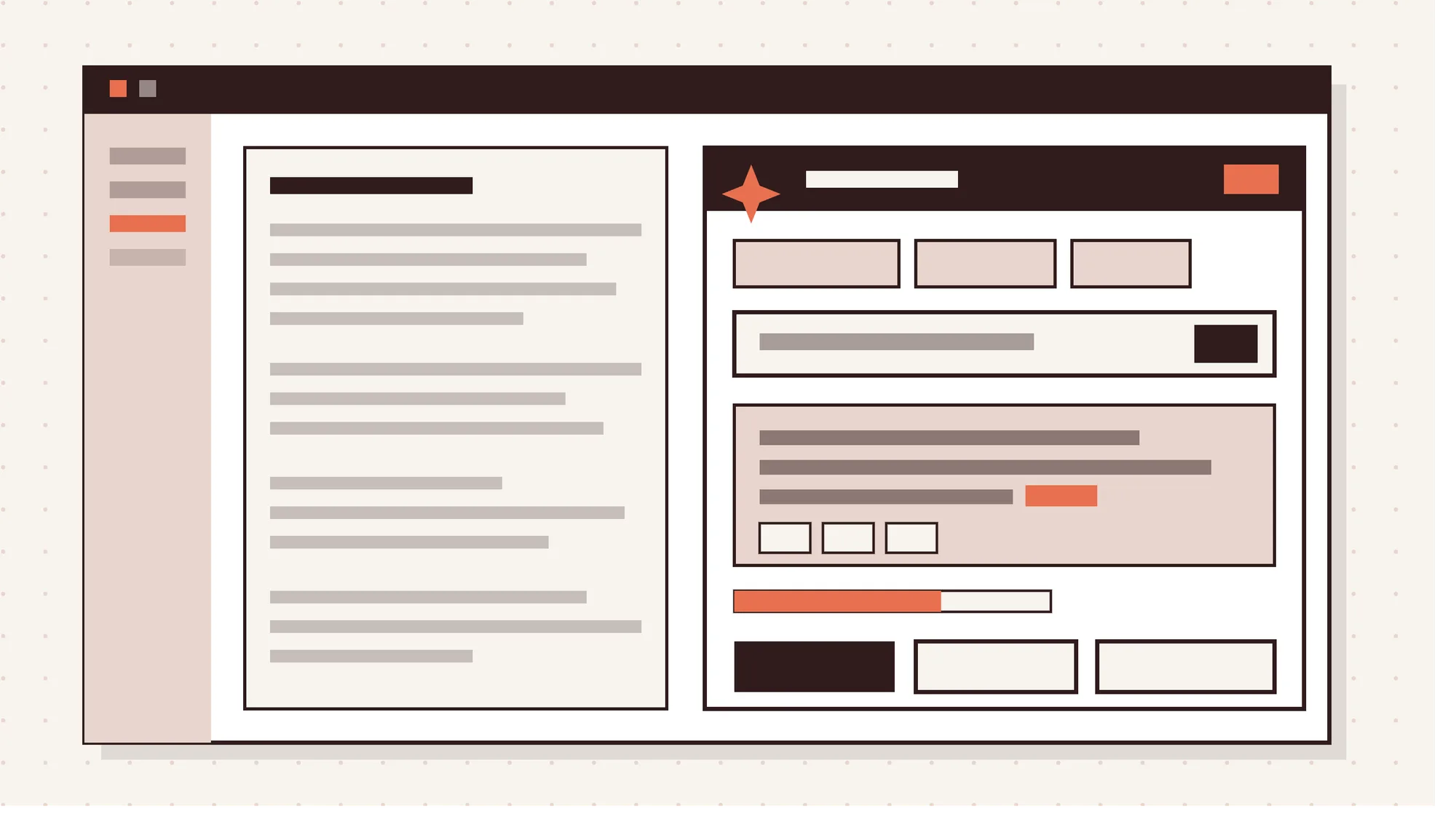
AI UX design patterns for SaaS shape how users prompt AI, read its output and fix its mistakes. In AI-powered SaaS, these reusable design solutions turn an unpredictable model into a feature people trust. They matter because probabilistic output changes from one request to the next, unlike a normal button.
AI UX also works differently from traditional SaaS UX. Users state goals instead of steps, results vary and human-in-the-loop review becomes part of the workflow. The patterns fall into six types, from wayfinders that help users start to identifiers that label the AI.
The most common ones include guided prompting, source citations, confidence signals and graceful fallback. Microsoft's 18 guidelines for human-AI interaction explain how these patterns should behave. Used well, they lower the learning curve, build trust and keep automation safe.
Below, you'll learn how to design AI features and add AI components to a design system. You'll also see how to measure AI feature adoption, avoid mistakes and compare copilots with agents.
What Are AI UX Design Patterns?
AI UX design patterns are reusable design solutions for AI interfaces that solve recurring interaction problems. They guide user input, present AI output, signal confidence and keep users in control.
Each pattern answers one user question, such as "How do I start?" or "Can I trust this answer?" Like classic interaction patterns, they stop teams from reinventing a prompt box or citation format for every feature.
Why Do SaaS Products Need AI UX Design Patterns?
SaaS products need AI UX design patterns because AI output varies, so users need cues to check it. Those cues help people understand a result, verify it and correct it before they act on it. A deterministic feature like "Export to CSV" behaves the same way every time, but an AI summary doesn't.
Without those cues, AI features stall. Gartner predicted that at least 30% of generative AI projects would be abandoned after proof of concept. Gartner set the end of 2025 as the timeline, citing unclear value, poor data quality and rising costs.
Figma's 2025 AI Report found 52% of AI builders think design matters more for AI products. Interface decisions carry more weight once AI enters the product. Patterns give teams a tested way to handle that.
How Is AI UX Different From Traditional SaaS UX?
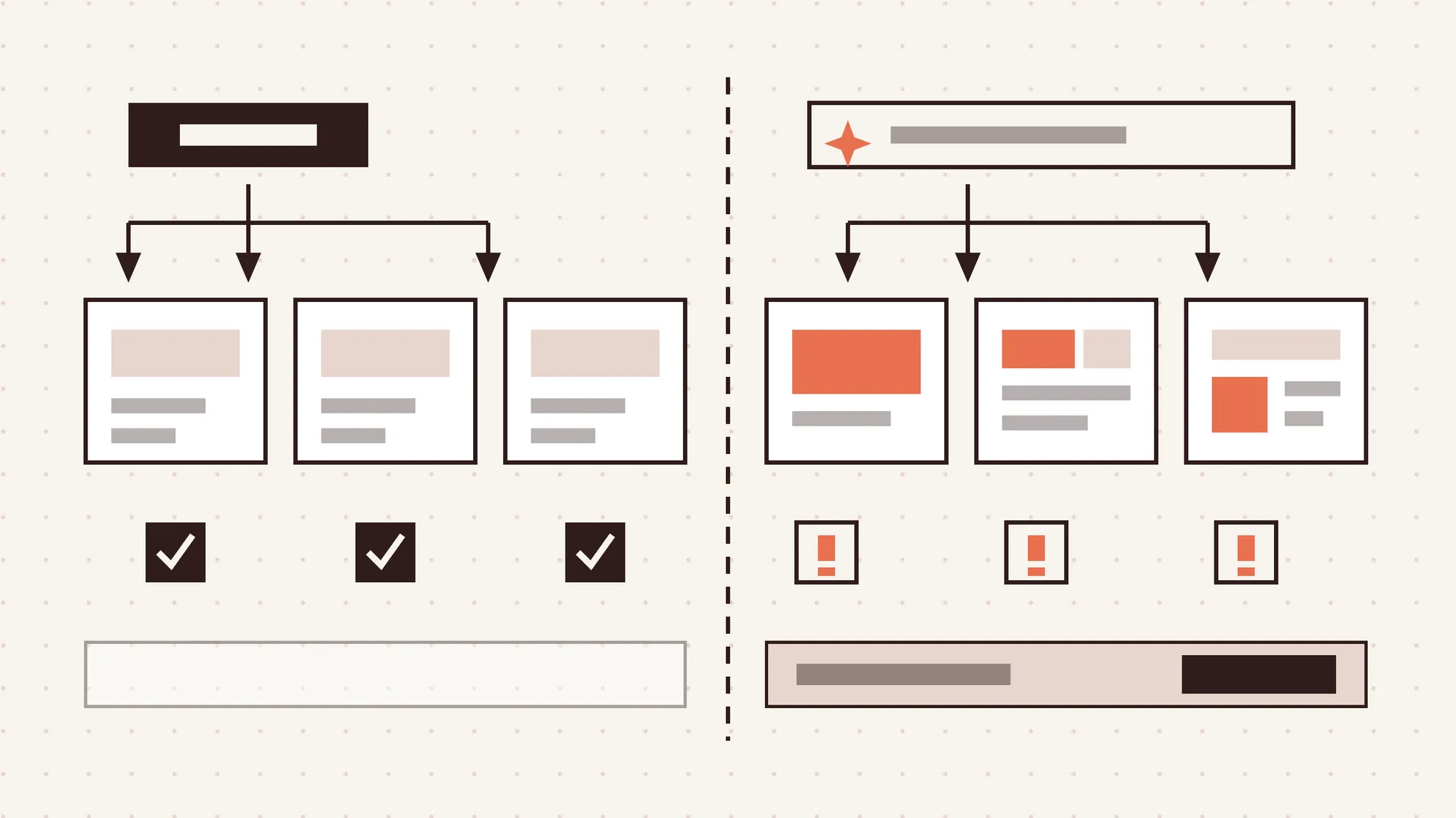
AI UX is different from traditional SaaS UX because the system interprets intent and results can change. That shift changes how users give input and judge output.
4 key differences between AI UX and traditional SaaS UX are given below.
- Variable output. The same input can return different results. Clicking Bold in Google Docs always works the same way, but an AI rewrite changes with each run.
- Intent-based interaction. Users state the outcome they want, not the steps. Jakob Nielsen calls this intent-based outcome specification, and the effort of wording it the articulation barrier.
- Dependence on data quality. AI features are only as good as their data. Messy CRM records or outdated help docs produce weak answers, so sources must be visible.
- Human review in the workflow. Errors are a normal state in AI products, not an edge case. Users review, edit and approve output before it reaches customers, code or reports.
What Are the Types of AI UX Design Patterns?
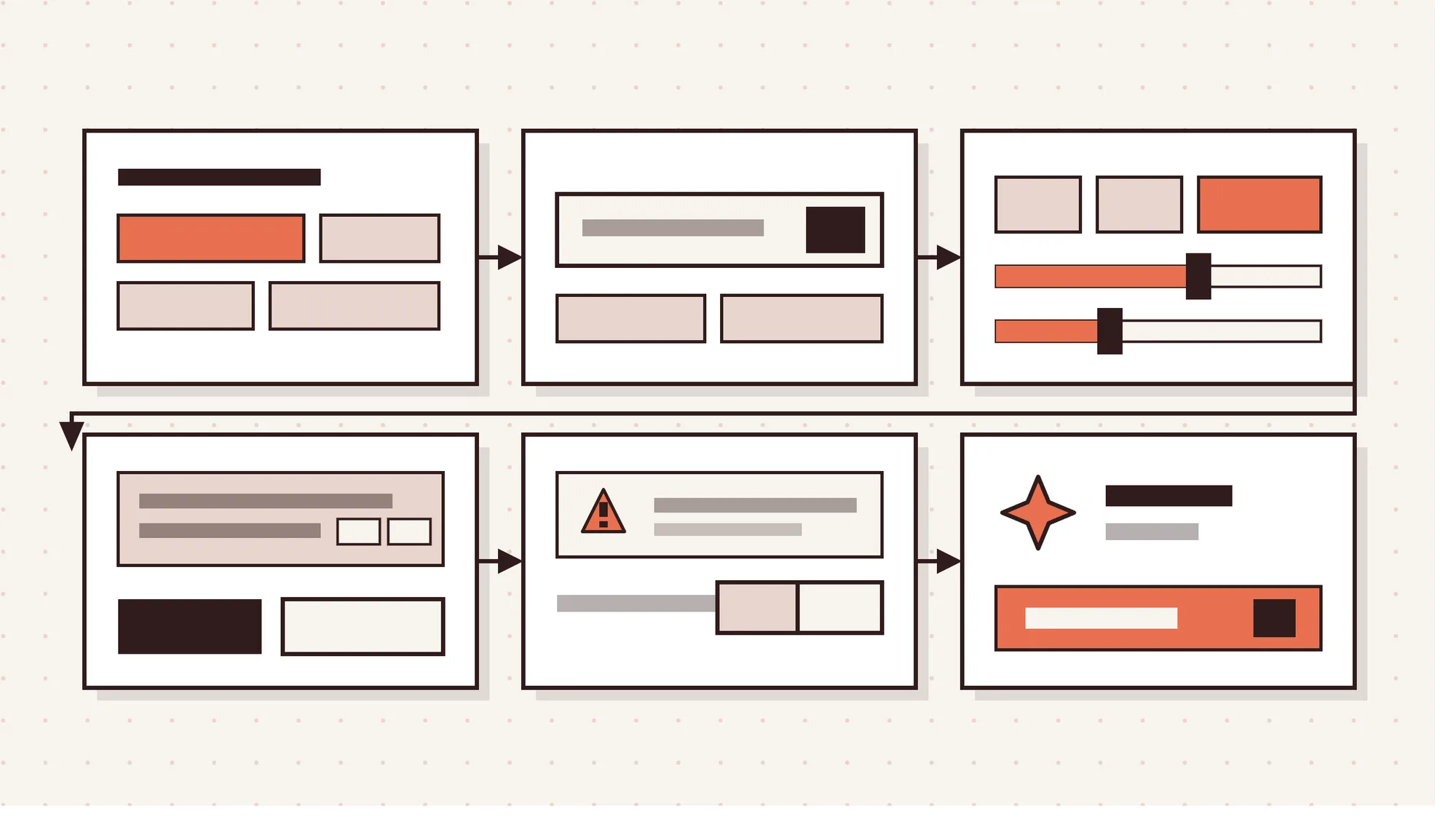
AI UX design patterns fall into 6 types, and each type covers one stage of working with AI. The grouping below follows Shape of AI, the pattern library created by designer Emily Campbell.
6 types of AI UX design patterns are given below.
- Wayfinders. Help users start with suggestions, templates, nudges and an example gallery instead of a blank screen.
- Inputs. Give users ways to hand AI work, such as open input, inline actions, auto-fill and regenerate.
- Tuners. Let users refine context through attachments, connectors, modes, parameters and voice and tone settings.
- Governors. Keep users in control of output with citations, draft mode, action plans, variations and verification steps.
- Trust builders. Make the AI's behavior honest and safe through disclosure, consent, data ownership controls, caveats and watermarks.
- Identifiers. Show users when they're dealing with AI through a distinct avatar, color, iconography, name or personality.
What Are the Most Common AI UX Design Patterns for SaaS?
The most common AI UX design patterns for SaaS are guided prompting, citations, review controls and fallback. Each one solves a problem that shows up in almost every AI feature.
10 common AI UX design patterns for SaaS are given below.
- Guided prompting. Suggested prompts and examples replace a blank prompt box with clear starting points. ChatGPT offers suggested prompts on new chats, so users can start with one click.
- Contextual AI assistance. AI appears inside the task instead of in a separate tool. Slack AI summarizes channels and threads in place and offers daily recaps.
- Predictive suggestions. The AI predicts the next step and shows it as a suggestion to accept or ignore. Gmail Smart Compose suggests the next words as you type.
- Streaming and status indicators. Streaming text and states like processing, draft ready and review pending show that work is happening. Midjourney shows a progress view while an image forms.
- Source citations. Inline citations show where an answer came from, so users can verify it. Perplexity places numbered sources next to claims and lists them with the answer.
- Confidence signaling. The interface shows how sure the AI is and offers alternatives when it's less certain. Grammarly labels suggestions by type, so firm grammar fixes look different from optional style ideas.
- Human-in-the-loop review. Users accept, edit or reject AI output before it takes effect. GitHub Copilot shows code as gray ghost text. Press Tab to accept or keep typing to skip it.
- Drafting and versioning. Users compare multiple AI attempts, roll back and keep the version they like. ChatGPT lets users regenerate a reply and flip between versions with arrow controls.
- AI disclosure labels. An AI-generated label marks which content came from AI and which came from a person. Intercom tags messages written by its AI agent, so customers know who is answering.
- Graceful fallback and human handoff. The interface offers a next step instead of a dead end when the AI can't help. Intercom Fin hands the conversation to a human agent when it can't resolve the issue.
What Are the Guidelines for Human-AI Interaction?
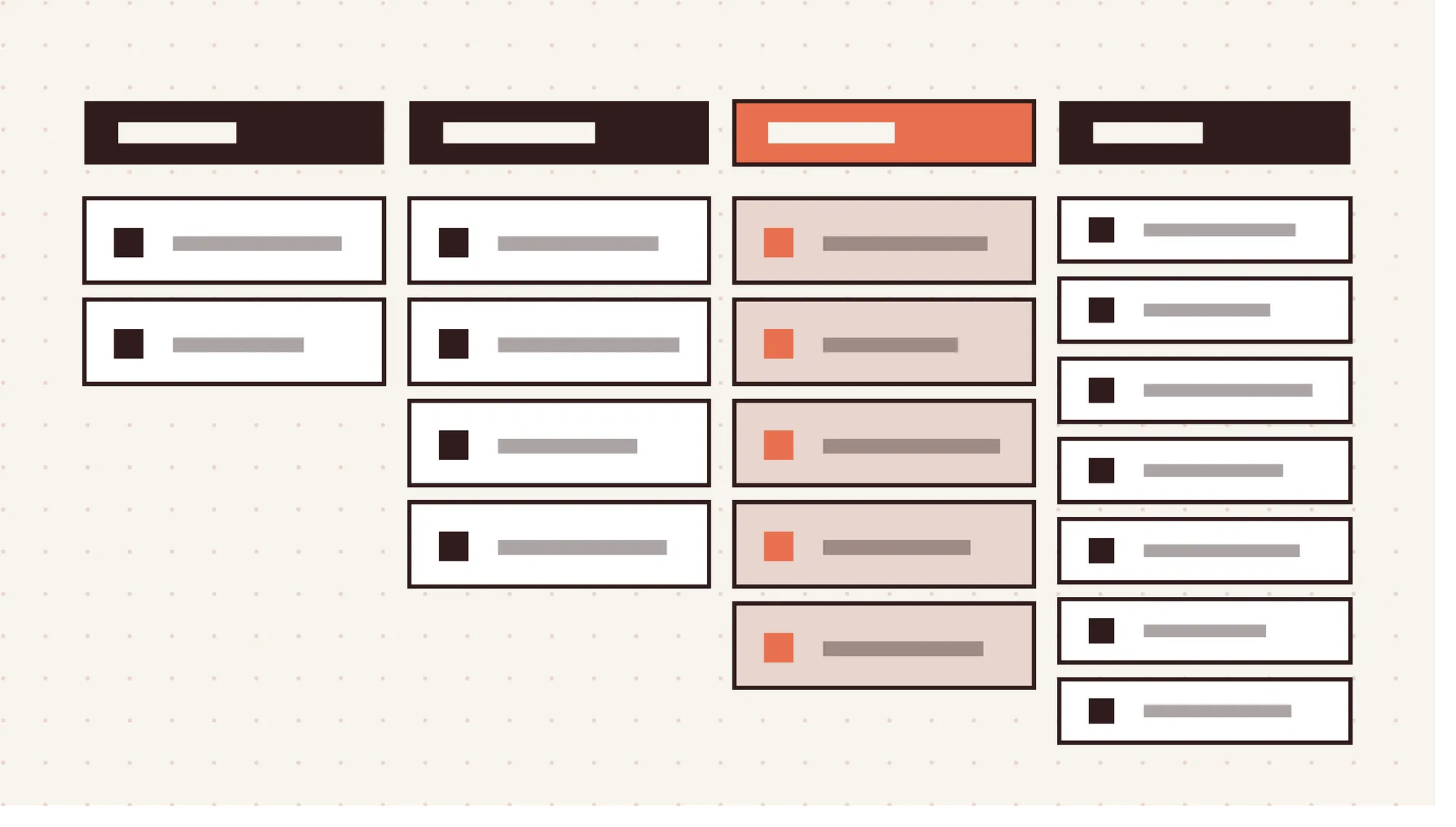
The guidelines for human-AI interaction are 18 design rules from Microsoft for building AI features people can trust. Microsoft researchers published them at CHI 2019 and tested them with 49 design practitioners against 20 AI-infused products. The rules are grouped into 4 phases: initially, during interaction, when wrong and over time.
The 18 guidelines for human-AI interaction by phase are shown in the table below.
| Phase | Guideline Number | Guideline |
|---|---|---|
| Initially | G1 | Make clear what the system can do |
| Initially | G2 | Make clear how well the system can do what it can do |
| During interaction | G3 | Time services based on context |
| During interaction | G4 | Show contextually relevant information |
| During interaction | G5 | Match relevant social norms |
| During interaction | G6 | Mitigate social biases |
| When wrong | G7 | Support efficient invocation |
| When wrong | G8 | Support efficient dismissal |
| When wrong | G9 | Support efficient correction |
| When wrong | G10 | Scope services when in doubt |
| When wrong | G11 | Make clear why the system did what it did |
| Over time | G12 | Remember recent interactions |
| Over time | G13 | Learn from user behavior |
| Over time | G14 | Update and adapt cautiously |
| Over time | G15 | Encourage granular feedback |
| Over time | G16 | Convey the consequences of user actions |
| Over time | G17 | Provide global controls |
| Over time | G18 | Notify users about changes |
Google's People + AI Guidebook covers similar ground from a product team's point of view.
What Are the Benefits of AI UX Design Patterns for SaaS?
The benefits of AI UX design patterns for SaaS are easier onboarding, higher trust and safer automation. They also give product teams a shared set of reusable parts.
6 benefits of AI UX design patterns for SaaS are outlined below.
- Lower articulation barrier. Suggested prompts and templates help new users get value without writing a perfect prompt.
- Faster time to value. Time to value is how long a new user takes to reach a first useful result. Guided inputs shorten it.
- Higher trust in AI output. Citations, confidence signals and disclosure labels show when an answer deserves trust or needs a check.
- Safer automation. Accept, edit, undo and approval controls support efficient correction, so one bad output doesn't become a costly mistake.
- Fewer dead ends. Fallback paths send users to a manual option or a human when the AI can't help.
- Consistent, reusable components. Shared AI patterns keep the product consistent and cut design time for each AI release. Together, these benefits drive AI feature adoption. A trusted AI experience is also harder to copy than a model.
How to Design AI Features for a SaaS Product?
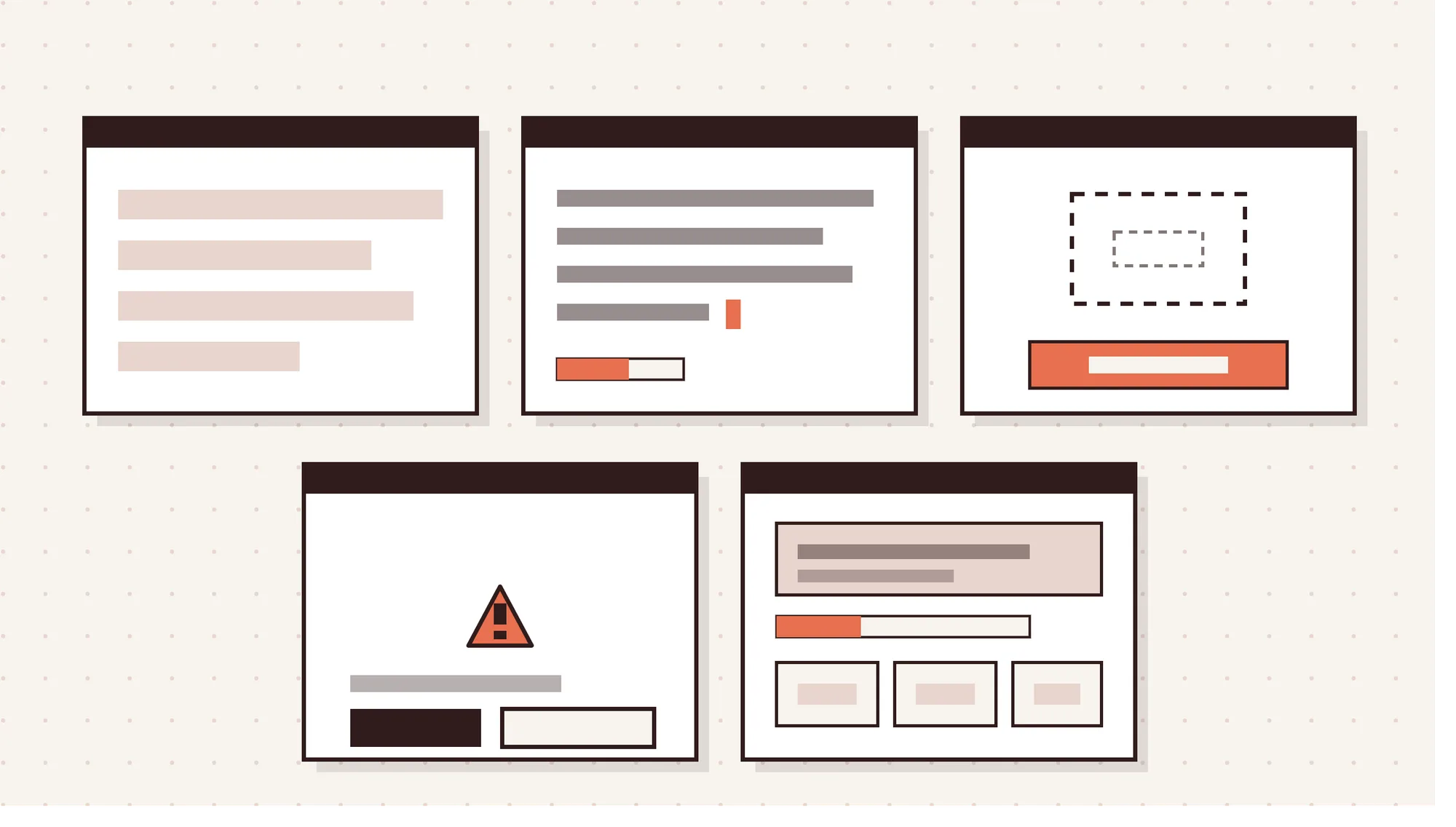
To design AI features for a SaaS product, start with one real user task, not the model. Good SaaS product design solves a workflow problem first, and AI is one way to solve it.
7 steps to design AI features for a SaaS product are given below.
- Pick one task users repeat. Choose a frequent, time-consuming task, such as writing ticket replies or tagging leads. Repeated tasks show AI value fastest.
- Map where users get stuck. Watch session recordings and read support tickets to find friction. The AI should remove friction, not add a step.
- Choose the AI shape. Decide between an inline action, a predictive suggestion, a chat panel or background automation. Most tasks don't need chat.
- Match autonomy to the task. Define what the AI does alone and what needs approval. Tagging can run automatically, but sending or deleting should ask first.
- Design every output state. Create screens for loading, streaming, empty, error and low-confidence results. Most AI UX problems hide in undesigned states.
- Keep a human in control. Give users edit, undo and a manual option for every AI action. Reversible actions make automation feel safe.
- Track one success metric first. Pick a single metric, such as suggestion acceptance rate, before launch. One clear number shows whether it works.
How to Add AI UX Patterns to a Design System?
To add AI UX patterns to a design system, build them as a layer on existing components. You don't need to fork the system or rebuild your component library.
5 ways to add AI UX patterns to a design system are outlined below.
- Build AI components with defined states. Every AI component needs idle, thinking, streaming, done and error states with documented examples.
- Create AI identity tokens. Add design tokens for AI color, icon and label so users always recognize AI content.
- Add a prompt input component. Build one prompt input with suggestions and attachments, then reuse it wherever AI accepts text.
- Add citation, feedback and fallback components. Standard source chips, feedback buttons and handoff messages keep trust patterns consistent.
- Document autonomy rules and usage guidance. Write down when the AI acts alone, when it must ask and which component fits.
How to Measure the Success of AI UX Patterns?
To measure the success of AI UX patterns, track how users adopt, accept and correct AI output. Keep AI metrics separate from general product analytics so AI behavior doesn't get lost.
6 metrics to measure AI UX patterns are given below.
- AI feature adoption rate. The share of active users who try the AI feature and return to it.
- Suggestion acceptance rate. How often users accept AI suggestions as they are, without changes.
- Edit and override rate. How often users rewrite or reject AI output. A high rate signals weak output.
- Time to value. How long a new user takes to reach a first useful AI result.
- Support ticket deflection. The share of support questions the AI resolves without a human agent.
- Thumbs up and down feedback. Granular feedback on single responses shows exactly where the AI falls short. Tools like Mixpanel, Amplitude and Pendo can track these events. Cohort retention then shows whether AI users stay longer.
What Mistakes Should You Avoid When Designing AI UX for SaaS?
The biggest AI UX mistakes come from giving AI too much freedom and planning too little for failure.
5 mistakes to avoid when designing AI UX for SaaS are given below.
- Letting AI act without asking. Sending emails or changing records without approval breaks trust, even when the output is right.
- Personalization that feels like surveillance. Using data users didn't expect you to use makes a helpful feature feel invasive.
- Designing only for success. Teams polish the happy path and skip failure states, so errors leave users stuck.
- AI that interrupts too early. Pop-up suggestions before users need help break focus. Time services based on context instead.
- No manual backup. Users need a manual way to finish the task when the AI is slow or down.
How Do You Design for AI Errors and Hallucinations?
To design for AI errors and hallucinations, assume the AI will sometimes be wrong and make recovery fast. A hallucination is a confident answer that isn't true.
Microsoft's 5 "when wrong" guidelines set the baseline. They cover efficient invocation, dismissal and correction, scoping services when in doubt and explaining why the system acted.
In practice, that means correction loops, a regenerate option and editable results. Give users a useful next step when the AI can't help, like Intercom Fin's handoff to a human.
How Do You Make AI Features Accessible?
To make AI features accessible, build streaming text, chat panels and dynamic widgets for screen readers and keyboards. Use ARIA live regions to announce status changes without reading every new word aloud.
Every action in a chat panel, such as copy, regenerate and feedback, needs keyboard access and visible focus. Test each AI interface against WCAG 2.2, the current W3C standard, with real assistive technology.
How Much Does It Cost to Design AI UX for SaaS?
Designing AI UX for SaaS costs from about $10,000 to more than $200,000, depending on scope. One published agency estimate puts startup scope at $10,000 to $30,000 over 6 to 8 weeks.
Mid-market SaaS runs $50,000 to $150,000 over 3 to 4 months in that estimate. Enterprise rollouts start at $200,000. An AI UX audit is often quoted in the low five figures.
Treat these figures as agency estimates, not industry averages. AI interface design costs close to standard UI/UX design cost in non-regulated markets.
Healthcare, fintech and government projects cost more because compliance adds review work. Budget for the build too, since SaaS development cost is a separate line item.
How Long Does It Take to See Results From AI UX Patterns?
Results from AI UX patterns appear in stages, from a few weeks to about 3 months. One agency estimate puts behavior changes at 2 to 4 weeks after launch.
Retention effects show up in 30 to 60 day cohorts, and NPS shifts take around 90 days. So judge a new pattern by early signals like acceptance rate before expecting retention gains.
Can Small SaaS Startups Use AI UX Patterns on a Budget?
Yes, small SaaS startups can use AI UX patterns on a budget because the core patterns are simple. A lean team can start with transparency, correction and fallback. That means an AI label, an edit button and a manual path.
Rule-based adaptive onboarding can deliver much of the value of AI personalization at a lower cost. You can add model-driven features once real usage justifies them.
What Are the Pros and Cons of AI-Driven Interfaces in SaaS?
AI-driven interfaces in SaaS make products easier and faster to use, but they add reliability and privacy risks.
The pros and cons of AI-driven interfaces in SaaS are given in the table below.
| Pros | Cons |
|---|---|
| Lower learning curve for new users | Unreliable output that users must check |
| Personalized content and features | Latency, since waits over 10 seconds break attention |
| Faster tasks through predicted next steps | Privacy concerns when personalization feels like surveillance |
| Always-on support with human handoff | Loss of user control when AI does too much |
| Product differentiation when trust matches model quality | More design scope for edge cases and errors |
The pros win when the interface plans for the cons from day one.
Which SaaS Products Use AI UX Patterns Well?
GitHub Copilot, Perplexity, Grammarly, Intercom Fin, Gmail and Slack AI all use AI UX patterns well. Each one shows a single pattern done with care.
6 SaaS products that use AI UX patterns well are given below.
- GitHub Copilot for human-in-the-loop review. Nothing enters the codebase until the developer accepts it.
- Perplexity for source citations. Every answer links to its sources, so trust becomes something users can check.
- Grammarly for confidence signaling. Users act fast on firm fixes and skip optional ones.
- Intercom Fin for graceful fallback. Customers never hit a dead end, because a human picks up unresolved issues.
- Gmail Smart Compose for predictive suggestions. Gray inline text stays out of the way, and ignoring it costs nothing.
- Slack AI for contextual summaries. Summaries live inside channels and threads, where people already work.
Which AI UX Pattern Libraries Can Designers Use?
Designers can use 3 main AI UX pattern libraries as a design reference for new features.
3 AI UX pattern libraries designers can use are given below.
- Shape of AI. Emily Campbell's library sorts AI UX patterns into 6 categories with real product examples.
- Google People + AI Guidebook. Google's PAIR team covers user needs, mental models, explainability, feedback and graceful failure.
- Microsoft HAX Toolkit. The toolkit pairs the 18 guidelines with a design library of patterns and examples.
How Do AI UX Patterns Compare With Related Design Approaches?
AI UX patterns sit inside bigger choices about how much AI shapes a product. The 3 comparisons below cover the ones SaaS teams weigh most often.
What Is the Difference Between AI-Native and AI-Enabled SaaS Design?
AI-enabled design adds AI to an existing workflow, while AI-native design builds the workflow around AI. AI-enabled features carry lower risk, since the core product still works without them. A summarize button inside a project tool is a typical example.
AI-native products design for intent first, with the prompt field and AI output as the main interaction model. That approach suits new products more than mature ones with established habits.
What Is the Difference Between Conversational UI and Hybrid Generative UI?
Conversational UI handles tasks through chat, while hybrid generative UI pairs prompts with dynamic widgets and controls. Pure chat relies on turn-taking, so every change means typing another message.
Hybrid interfaces let users prompt once, then adjust results with sliders, filters or buttons. Jakob Nielsen expects the most usable AI interfaces to be hybrids that keep many graphical controls.
What Is the Difference Between an AI Copilot and an AI Agent in SaaS?
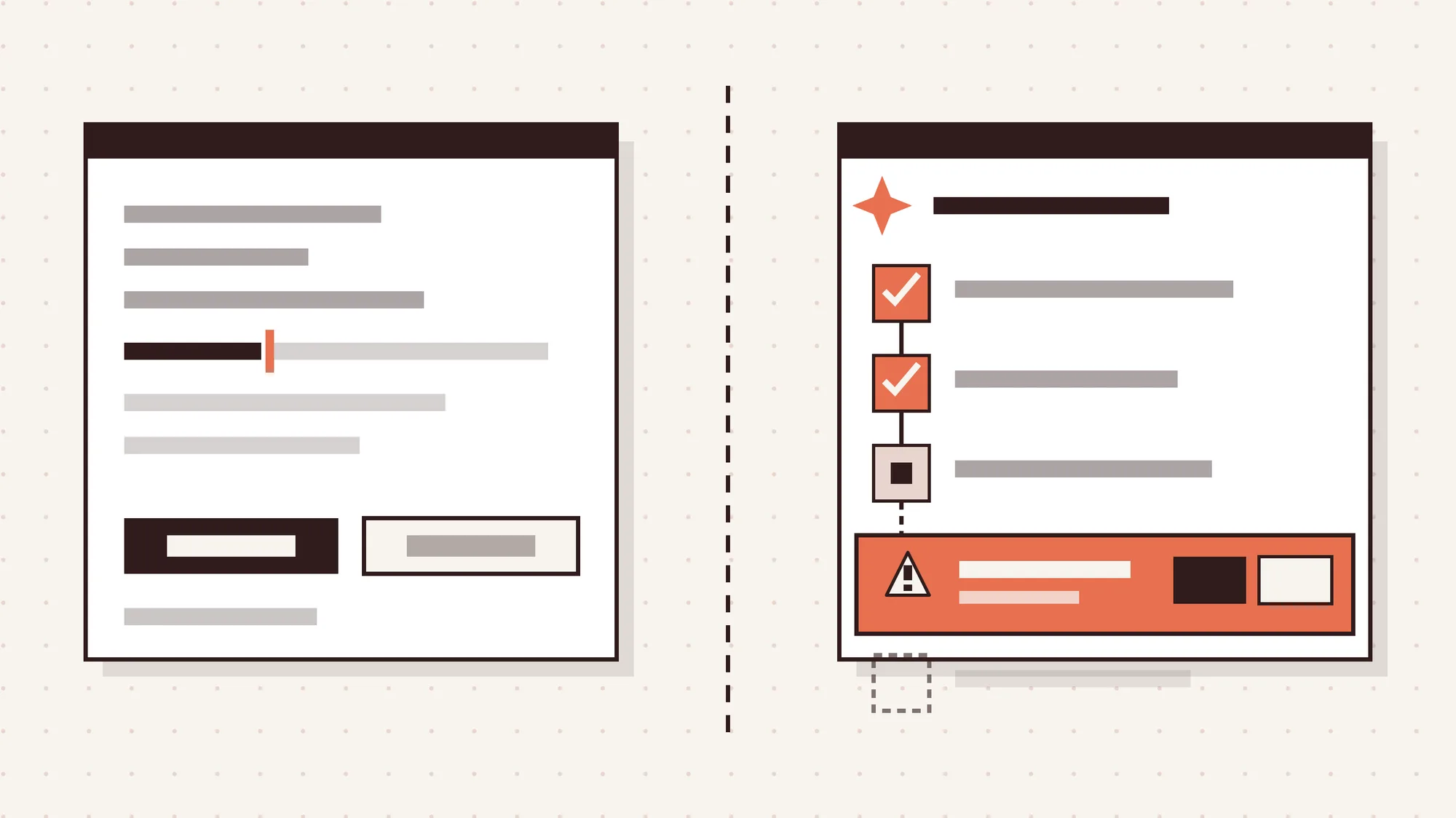
An AI copilot suggests and the user approves, while an AI agent runs multi-step tasks itself. GitHub Copilot's inline suggestions are a classic copilot pattern.
Agents have more autonomy, so they need approval points and visible action plans before they act. Agent design is also growing fast. Figma's 2025 AI Report found 51% of users on AI products build agents, up from 21%.
Frequently Asked Questions
Can You Add AI UX Patterns to a Live SaaS Product Without a Redesign?
Yes, you can add AI UX patterns to a live SaaS product without a redesign because they're additive. Each pattern sits on top of your existing design system as a new component or state.
Start with transparency, correction and fallback, such as AI labels, edit controls and a manual path. Then expand once users trust the basics.
Does Every AI Feature Need a Chat Interface?
No, every AI feature does not need a chat interface because many tasks work better without typing. Chat raises the articulation barrier, since users must describe what they want in words.
Predictive suggestions, inline actions and background automation often fit better, like a one-click summarize button. Chat works best as a secondary option for open-ended questions.
Should AI-Generated Content Be Labeled?
Yes, AI-generated content should be labeled because users deserve to know who or what wrote it. Disclosure is a core trust builder pattern, and it helps users decide how closely to check.
Intercom, for example, tags messages from its AI agent so customers can tell them apart from human replies. Clear labels also protect the brand when an AI answer turns out wrong.
Will AI Replace SaaS UX Designers?
No, AI will not replace SaaS UX designers because AI output still needs human judgment. Figma's 2025 AI Report found only 32% of designers and developers say they can rely on AI output.
Designer Fund's 2026 research also names unreliable output quality as the top AI challenge for designers. The AI vs human designer debate points to a hybrid workflow where designers direct and review AI.
Final Thoughts
AI UX design patterns decide whether users trust an AI feature enough to keep using it. They give SaaS teams a tested way to handle variable output, errors and user control.
Start small with trust, correction and fallback patterns, then expand as adoption grows. Panze's AI design and development service uses AI to speed up work, and senior designers review every output. If you're planning AI features for a SaaS product, talk to the team about where to start.